

Productivity and work Calendar app for Mac
Agenda
by Momenta B.V.
- Price
- Free
- Platforms
- Mac
- Requires
- macOS 12.0+
- Updated
- 11 Nov 2026


Overview
From the developer's App Store description:
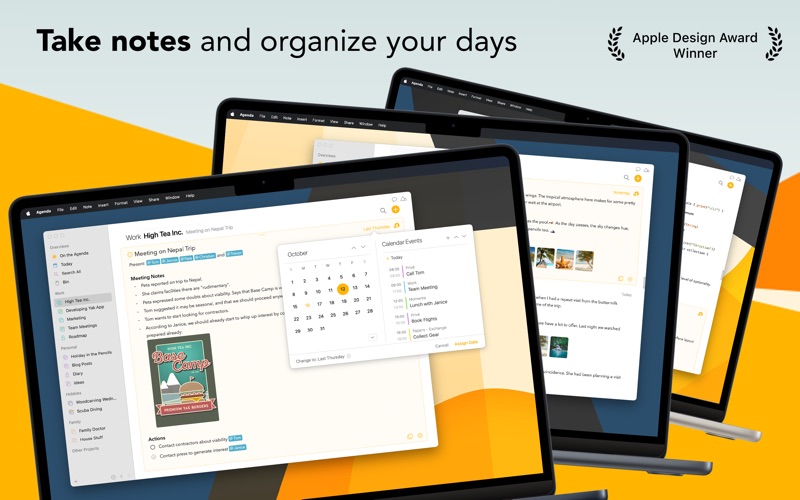
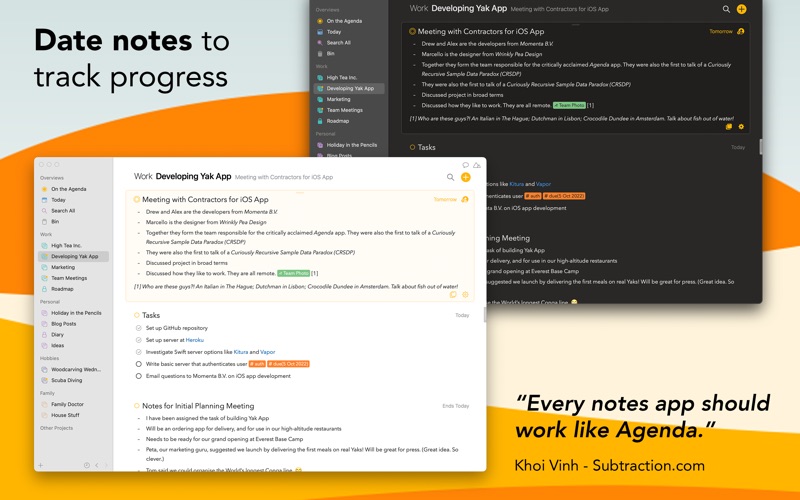
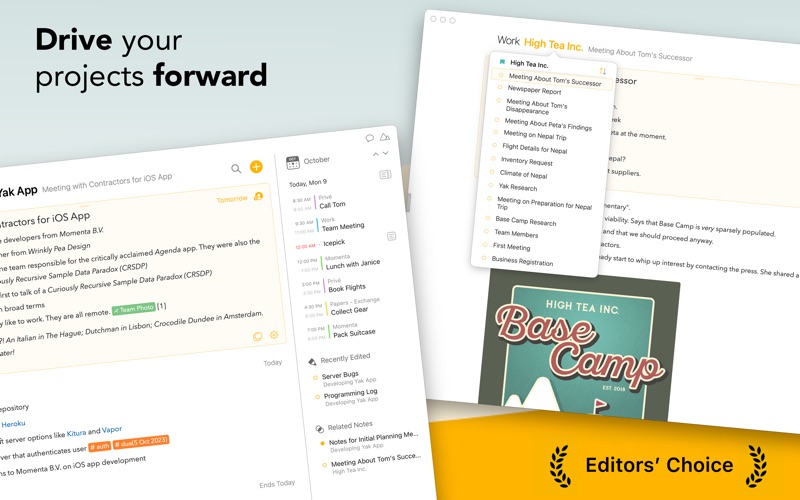
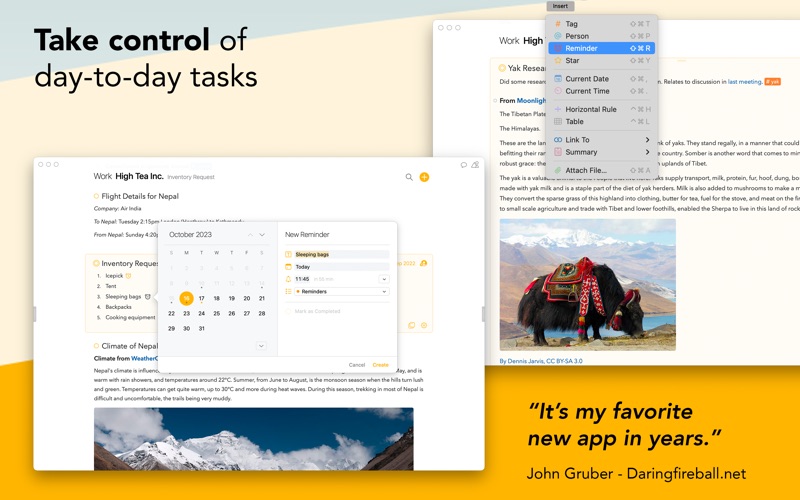
Most notes apps lose track of time. You write something, it disappears into a folder, and a week later you can't remember why you made that decision or what you prepared for that meeting. Agenda fixes this. Every note lives on a timeline alongside your calendar.
Agenda is a calendar app by Momenta B.V. for Mac. It needs macOS 12.0 or later.
Price and purchases
Agenda is free to download from the App Store.
Price from the App Store, checked 12 Nov 2026. Prices and purchases change; check the App Store before you buy.
Facts
- Price
- Free
- Requires
- MacOS 12.0 or later
- Version
- 23.4.5
- Last updated
- 11 Nov 2026
- Size
- 44 MB
- Age rating
- 9+
- First released
- 22 Jan 2018
- App Store category
- Productivity
- Also listed in
- Business
From the App Store listing, checked .
What's new in version 23.4.5
This update makes sync more reliable and keeps typing smooth in large projects. IMPROVED - An edit no longer disappears during a sync and comes back later - A note that you deleted no longer comes back - Typing no longer lags after a sync in large projects - Text in locked notes and projects no longer shows in Spotlight - When you turn off sync, your data in iCloud or Dropbox is deleted only after you confirm it - A failed sign-in tells you why, and what to try next - A locked project asks for Touch ID as soon as you come back to Agenda FIXED - A change from a device whose clock runs ahead now reaches your other devices - An attachment that you edit in another app, such as Word or Preview, no longer loses your edits - The Premium window no longer stays stuck while a purchase is in progress - A Markdown file or pasted text with several tables now keeps every table - Text Color and Highlight work in a note that is open in its own window - Five rare crashes
From the developer's App Store release notes.
Alternatives to Agenda
Other calendar apps for Mac, by App Store chart ranking.
 FantasticalFree, same category, 1.4 MB smaller
 App for Notion CalendarFree, same category, 42 MB smaller
 Workspace Apps for Google AppFree, same category, 42 MB smaller
 CalendlyFree, same category, 38 MB smaller
 Calendar App for GoogleFree, same category, 22 MB smaller
 Simple CalendarFree, same category, 42 MB smaller
Details
- Developer
- Momenta B.V. ↗
- Category
- Calendar, Note taking
- Website
- agenda.com