

Creative Video editing app for Mac
Captionator for Final Cut
by Brian Murray
- Price
- $19.99
- Platforms
- Mac
- Requires
- macOS 13.0+
- Updated
- 9 Jun 2026




Overview
From the developer's App Store description:
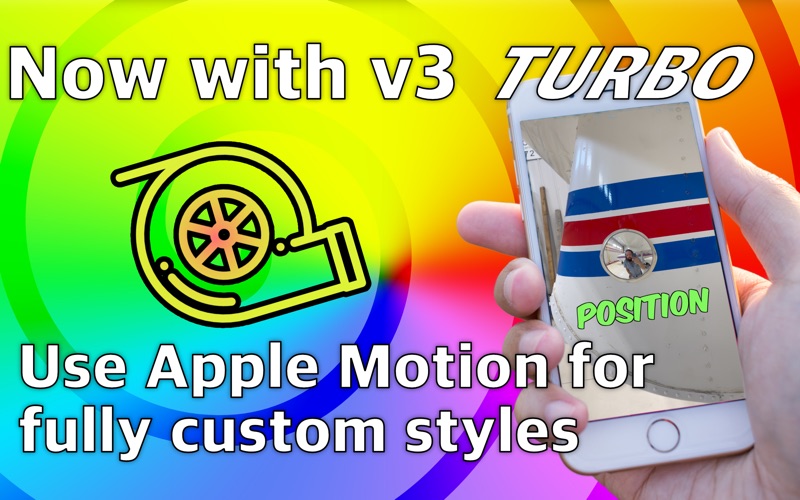
Captions for Final Cut Pro uses the hardware inside your Mac to automatically generate captions and high energy titles like you see on all the biggest YouTube and TikTok videos. You can easily keyframe or animate individual words, or entire sentences. Now with Whisper Speech-to-Text for the most accurate transcriptions!
Captionator for Final Cut is a video editing app by Brian Murray for Mac. It needs macOS 13.0 or later.
Price and purchases
Captionator for Final Cut costs $19.99 on the App Store.
Price from the App Store, checked 12 Nov 2026. Prices and purchases change; check the App Store before you buy.
Facts
- Price
- $19.99
- Requires
- MacOS 13.0 or later
- Version
- 2.2.1
- Last updated
- 9 Jun 2026
- Size
- 25 MB
- Age rating
- 4+
- First released
- 21 Jun 2022
- App Store category
- Photo & Video
- Also listed in
- Graphics & Design
From the App Store listing, checked .
What's new in version 2.2.1
Bug Fixed 2.2.1: Multi-languages always assumed english, but it is now fixed to work correctly. Final Cut Pro 12 Support We've completely redesigned how Captionator works with Final Cut Pro to ensure reliable compatibility with FCP 11 and 12. New Export Detection System • Captionator now automatically watches your export folder and detects when Final Cut Pro finishes exporting • No more waiting for events that never come; transcription starts as soon as your files are ready • Three export modes to choose from: • File Watcher (recommended) - Automatically detects completed exports • Automatic - Uses FCP events (for older versions) • Manual - Manually trigger transcription with a button Improved Manual Export Window • Completely redesigned interface for manually starting transcriptions • Perfect for when you need more control over the process Simplified Transcription Engine WhisperCPP Removed • We've removed the legacy WhisperCPP engine to streamline Captionator • Whisper (WhisperMLX) is now the recommended engine for fast, accurate transcriptions • Simpler settings, better performance, same great results Getting Started …
From the developer's App Store release notes.
Alternatives to Captionator for Final Cut
Other video editing apps for Mac, by App Store chart ranking.


Details
- Developer
- Brian Murray ↗
- Category
- Video editing
- Website
- bmurray.ca