Creative Drawing and painting app for Mac
Corel Painter
by Corel Corporation
- Price
- Free
- Platforms
- Mac
- Requires
- macOS 10.15.0+
- Updated
- 23 Jun 2022


Overview
From the developer's App Store description:
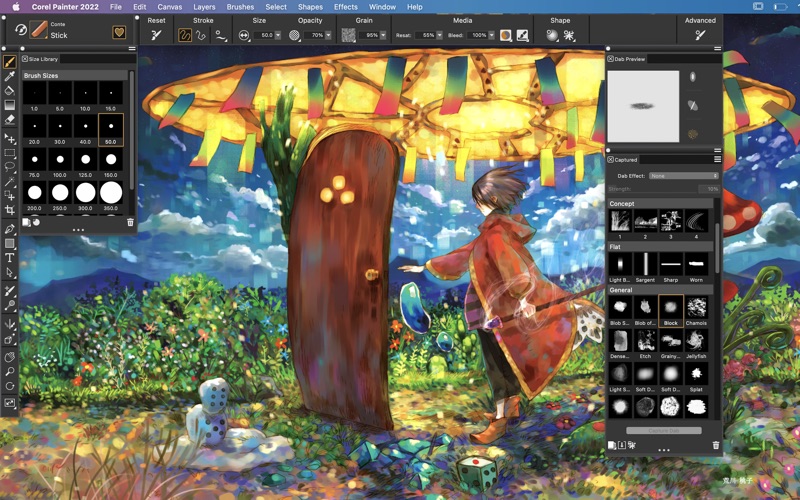
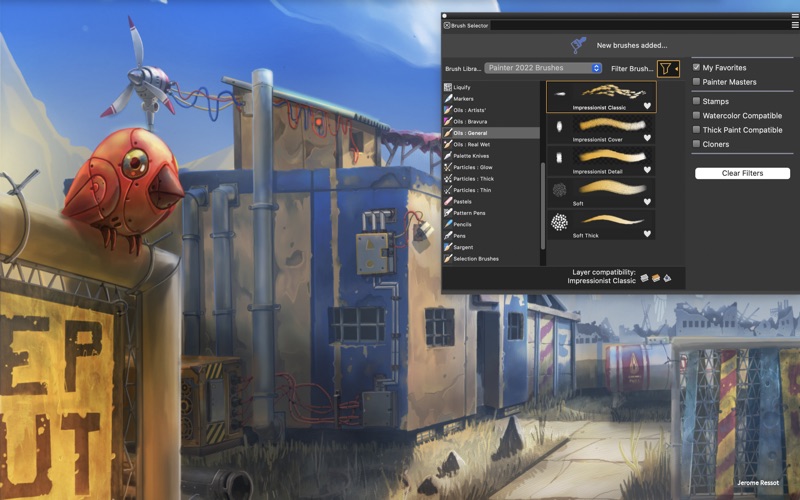
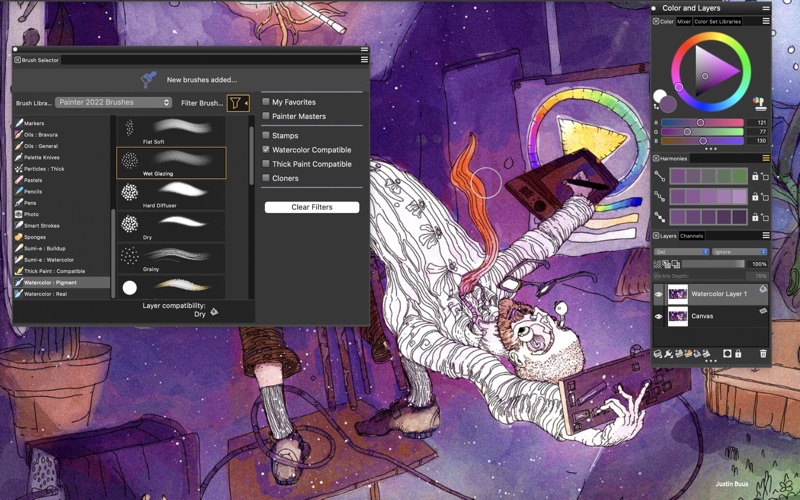
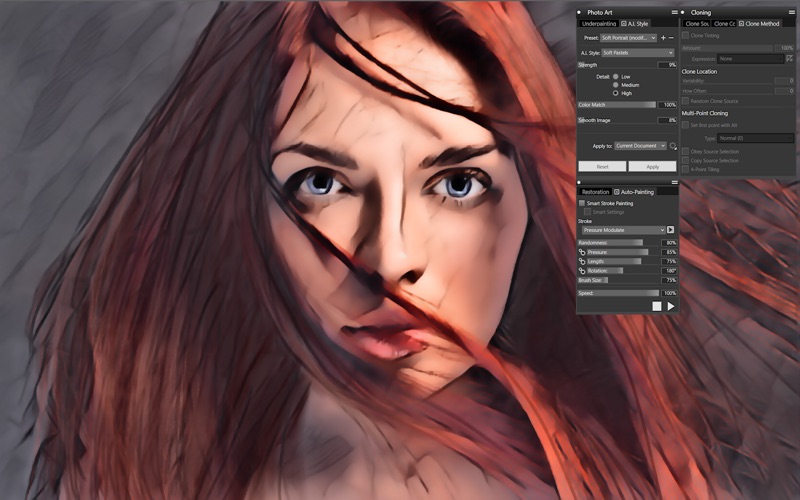
Sign-up for a subscription and get your FIRST MONTH FREE! Try Painter® - the original, time-tested, digital painting software built by artists, for artists. Sketch, paint, illustrate and produce unparalleled photo-art with hundreds of realistic artist-created brushes, superior blending, impressive textures, and an array of versatile art tools. Natural-Media® brushes & exclusive media types.
Corel Painter is a drawing and painting app by Corel Corporation for Mac. It needs macOS 10.15.0 or later.
Heads up: Corel Painter has not had an App Store update since 23 Jun 2022. Apps that go this long without updates may not work well on the latest macOS or iOS.
Price and purchases
Corel Painter is free to download from the App Store.
Price from the App Store, checked 12 Nov 2026. Prices and purchases change; check the App Store before you buy.
Facts
- Price
- Free
- Requires
- MacOS 10.15.0 or later
- Version
- 23.0
- Last updated
- 23 Jun 2022
- Size
- 695 MB
- Age rating
- 4+
- First released
- 14 Jul 2020
- App Store category
- Graphics & Design
- Also listed in
- Productivity
From the App Store listing, checked .
What's new in version 23.0
Create the smoothest strokes with Fluid Paint Gently build up paint, blend, sculpt, glaze, add texture and reflective light easily with Fluid Paint—the innovative new technology that gives you unmatched opacity control and smoothness in your brush strokes. Repaint, edit, and adjust faster with improved selections This update offers a more intuitive selections workflow, by enhancing visibility of selected areas, bringing critical controls forward, and improving most used Selection tools. Select areas based on color with brushes Combine the power of a Magic Wand and the versatility of a Selection Brush to quickly select portions of an image based on color. The new Color Selection gives you complete control as you brush over areas of the same color to create a selection. Then easily change colors, lighting, add textures or effects to the selected area.
From the developer's App Store release notes.
Alternatives to Corel Painter
Other drawing and painting apps for Mac, by App Store chart ranking.


Details
- Developer
- Corel Corporation ↗
- Category
- Drawing and painting