

Productivity and work Productivity app for Mac
CurrentKey
by Spencer Dailey
- Price
- Free
- Platforms
- Mac
- Requires
- macOS 26.0+
- Updated
- 21 Sept 2026




Overview
From the developer's App Store description:
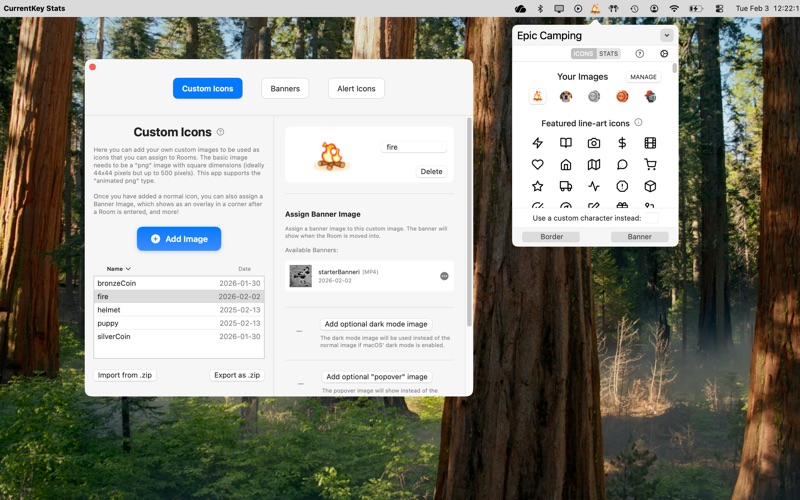
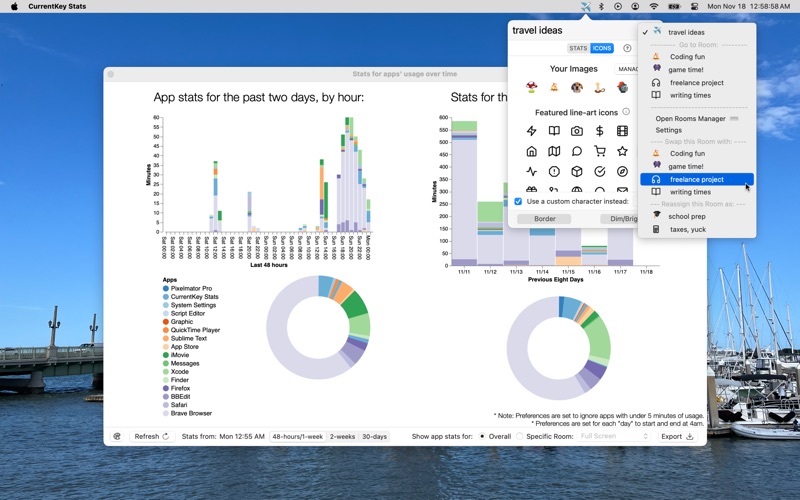
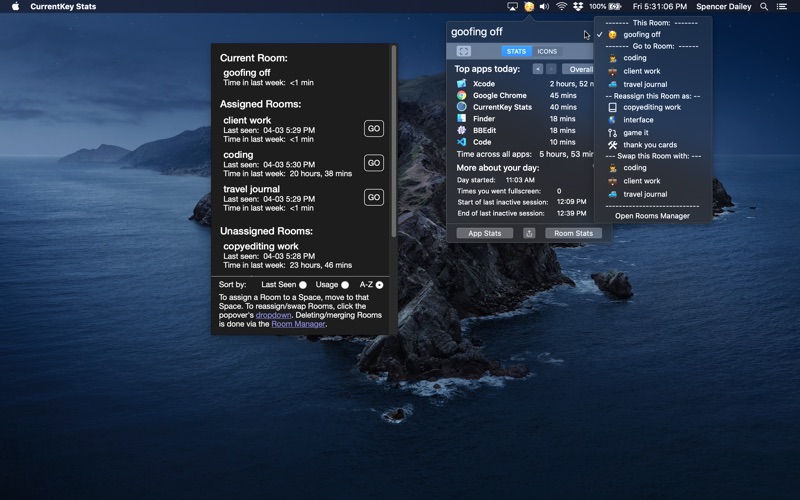
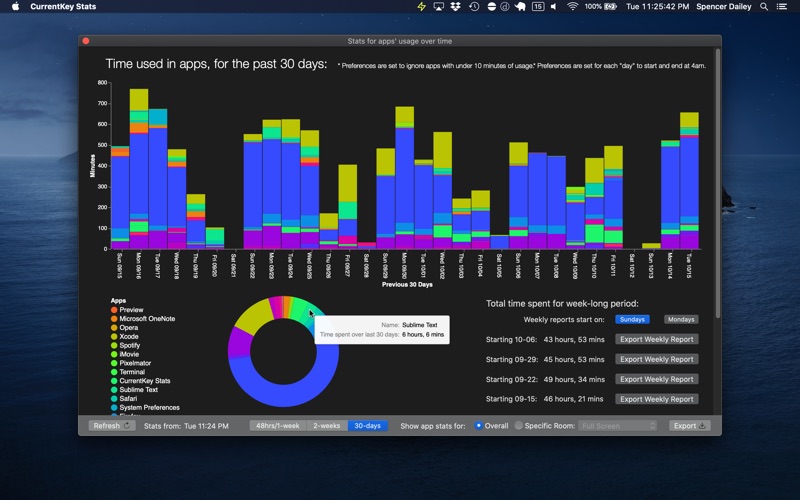
CurrentKey is a multi-tool app with a one-time CurrentKey Premium in-app-purchase that helps you: Better organize workflows across Spaces and gain high-level insights about how you spend your time. Disclaimer: It lets you assign specific names to Spaces within the app, but it does NOT let you *rename* your Desktops in Mission Control.
CurrentKey is a productivity app by Spencer Dailey for Mac. It needs macOS 26.0 or later.
Price and purchases
CurrentKey is free to download from the App Store.
Price from the App Store, checked 12 Nov 2026. Prices and purchases change; check the App Store before you buy.
Facts
- Price
- Free
- Requires
- MacOS 26.0 or later
- Version
- 9.31
- Last updated
- 21 Sept 2026
- Size
- 7 MB
- Age rating
- 4+
- First released
- 5 May 2019
- App Store category
- Productivity
- Also listed in
- Utilities
From the App Store listing, checked .
What's new in version 9.31
9.0 brought many new features including the ability to import/export Custom Icons to easily share with friends, and Banner images, which can be made to show up in a corner of your Mac's screen when a new Room is entered. Available via the purchase of CurrentKey Premium for new users. 9.10 added enhancements to Banners (which can now bounce or slide in, as well as be center-positioned). CurrentKey's AppleScript functionality is now more intuitive, with a default file that includes a bunch of usecase examples), and more! 9.16 added the ability to change the width and height of an icon's bottom border. 9.18 added dark mode support to the Icons view in the popover, adds a shortcut to Room-specific app stats in the Room Stats window, and fixes a bug related to the new border-related functionality. 9.22 improved Room Explorer, which now shows Room icons, and fixes an issue where it was not showing sometimes. Adds a new Dynamic setting to what shows in popover. More improvements 9.26 added an "Auto-show dropdown" option for one click access to Room jumps, and improves compatibility with some 3rd party menu bar icon utilities. …
From the developer's App Store release notes.
Alternatives to CurrentKey
Other productivity apps for Mac, by App Store chart ranking.




Details
- Developer
- Spencer Dailey ↗
- Category
- Productivity
- Website
- currentkey.com