

Productivity and work Productivity app for Mac
DataMesh Importer
by DataMesh, Inc.
- Price
- Free
- Platforms
- Mac
- Requires
- macOS 10.13.0+
- Updated
- 12 Jun 2026
Overview
From the developer's App Store description:
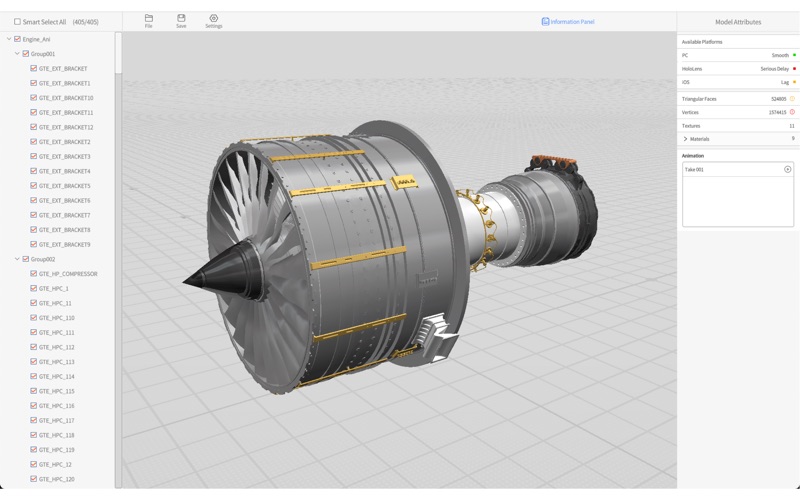
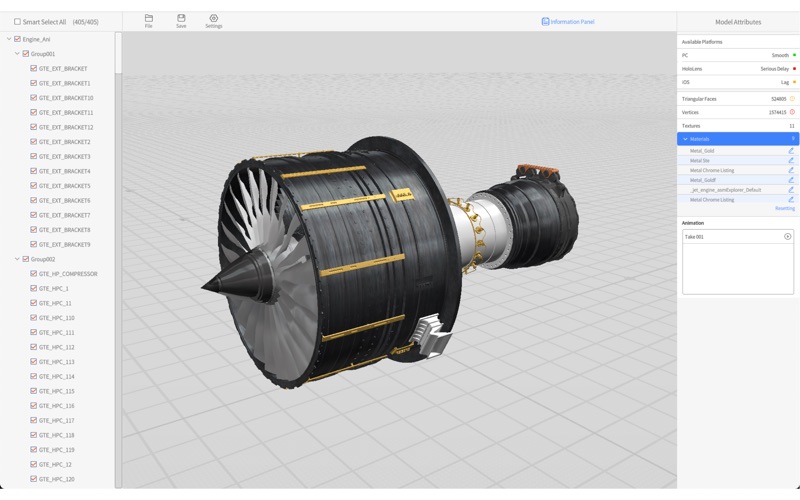
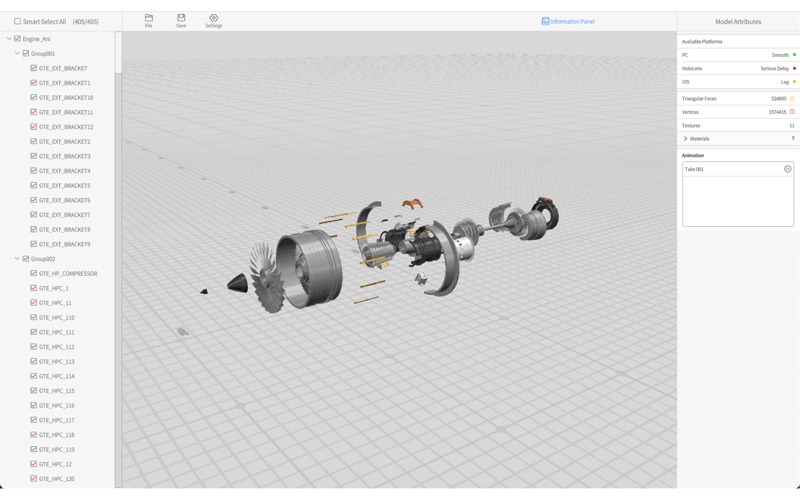
DataMesh Importer is an efficient 3D model viewing and import tool provided by the DataMesh Digital Twin platform, supporting formats such as FBX, GLTF, OBJ, PLY, 3MF, and STL. Users can load and view local model files with DataMesh Importer, intuitively assess the model’s performance on different devices, quickly adjust and edit material properties, filter sub-object structures, and upload to the cloud resource library with a single click.
DataMesh Importer is a productivity app by DataMesh, Inc. for Mac. It needs macOS 10.13.0 or later.
Price and purchases
DataMesh Importer is free to download from the App Store.
Price from the App Store, checked 12 Nov 2026. Prices and purchases change; check the App Store before you buy.
Facts
- Price
- Free
- Requires
- MacOS 10.13.0 or later
- Version
- 8.1.0
- Last updated
- 12 Jun 2026
- Size
- 186 MB
- Age rating
- 4+
- First released
- 6 Aug 2021
- App Store category
- Productivity
- Also listed in
- Produktivität, Wirtschaft
From the App Store listing, checked .
What's new in version 8.1.0
1. Enhanced Model Standardization: New “Model Origin Settings” aligns imported model origins to the geometric center; new “Model Center of Gravity Settings” automatically corrects physics parameters based on the origin reset, improving pre-processing efficiency and simulation accuracy. 2. Performance and Usability Enhancements: Overall improvements for a smoother workflow. 3. Bug Fixes: Resolved known issues.
From the developer's App Store release notes.
Alternatives to DataMesh Importer
Other productivity apps for Mac, by App Store chart ranking.



Details
- Developer
- DataMesh, Inc. ↗
- Category
- Productivity