
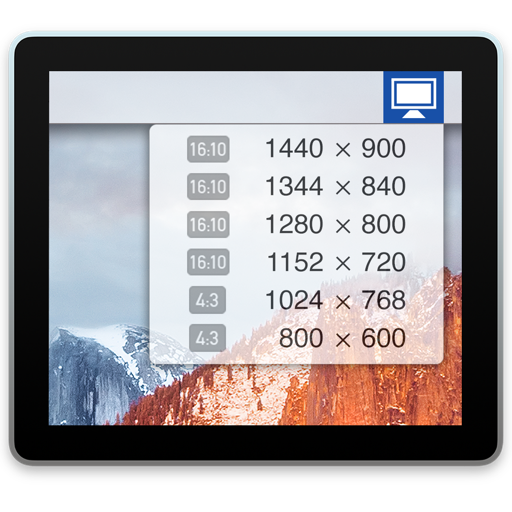
Mac utilities and customization Utility app for Mac
Display Menu
by Milch im Gemüsefach
- Price
- Free
- Platforms
- Mac
- Requires
- macOS 13.0+
- Updated
- 5 Jan 2026


Overview
From the developer's App Store description:
Display Menu shows a status item in your menu bar that lets you change your display settings with a single click. Depending on your display setup, you can set the screen resolution, toggle mirroring, and adjust the refresh rates. You can enable additional features like Retina resolutions (on Retina Displays), AppleScript support, and resolution bookmarks as a paid upgrade.
Display Menu is a utility app by Milch im Gemüsefach for Mac. It needs macOS 13.0 or later.
Price and purchases
Display Menu is free to download from the App Store.
Price from the App Store, checked 12 Nov 2026. Prices and purchases change; check the App Store before you buy.
Facts
- Price
- Free
- Requires
- MacOS 13.0 or later
- Version
- 2.2.6
- Last updated
- 5 Jan 2026
- Size
- 2 MB
- Age rating
- 4+
- First released
- 24 Aug 2012
- App Store category
- Utilities
- Also listed in
- Productivity
From the App Store listing, checked .
What's new in version 2.2.6
- Added a feature to coalesce similar resolutions into one menu item taking the best refresh rate - Rewrote much of the backend code base in Swift - Fixed a bug where the aspect ratio badges were broken in newer versions of macOS
From the developer's App Store release notes.
Alternatives to Display Menu
Other utility apps for Mac, by App Store chart ranking.




Details
- Developer
- Milch im Gemüsefach ↗
- Category
- Utility