

Productivity and work Focus and timer app for Mac
IM!Clock-Alarm,Pomodoro Timer
by Guangzhou Yaqiang Network Technology Co., Ltd.
- Price
- Free
- Platforms
- Mac
- Requires
- macOS 10.14+
- Updated
- 19 Nov 2022


Overview
From the developer's App Store description:
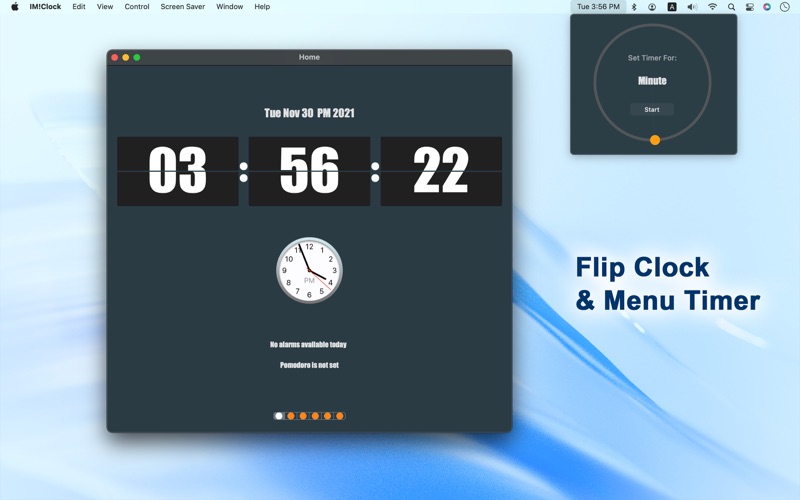
IM!Clock is a professional clock. If you are used to the alarm clock that comes with your phone, this app will try to help you find that feeling back.It supports full screen and window zooming within a certain range. Modern, concise interface design, simple operation can complete the target task. It must be a good helper for your work and study.
IM!Clock-Alarm,Pomodoro Timer is a focus and timer app by Guangzhou Yaqiang Network Technology Co., Ltd. for Mac. It needs macOS 10.14 or later.
Heads up: IM!Clock-Alarm,Pomodoro Timer has not had an App Store update since 19 Nov 2022. Apps that go this long without updates may not work well on the latest macOS or iOS.
Price and purchases
IM!Clock-Alarm,Pomodoro Timer is free to download from the App Store.
Price from the App Store, checked 12 Nov 2026. Prices and purchases change; check the App Store before you buy.
Facts
- Price
- Free
- Requires
- MacOS 10.14 or later
- Version
- 1.2.5
- Last updated
- 19 Nov 2022
- Size
- 120 MB
- Age rating
- 4+
- First released
- 7 Nov 2020
- App Store category
- Utilities
- Also listed in
- Productivity
From the App Store listing, checked .
What's new in version 1.2.5
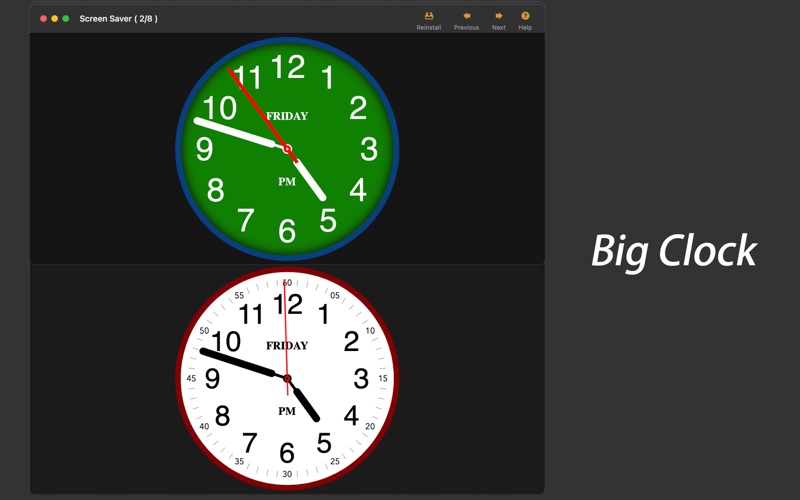
New in 1.2.5 1. Adapt to macOS13.0 2. Fixed the digital clock and flipping animation effect. 3. Simplify screensaver and remove dynamic background. Add the clock of homepage as screensaver. In addition, you should be interested in another app of ours, "Knowbie" a 8k HDR video player with subtitle preview! Thank you for using IM!Clock !
From the developer's App Store release notes.
Alternatives to IM!Clock-Alarm,Pomodoro Timer
Other focus and timer apps for Mac, by App Store chart ranking.


Details
- Developer
- Guangzhou Yaqiang Network Technology Co., Ltd. ↗
- Category
- Focus and timer

