

iPhone utilities and customization Security, VPN and app lock app for iPhone
Microsoft Authenticator
by Microsoft Corporation
- Price
- Free
- Platforms
- iPhone
- Requires
- iOS 17.0+
- Updated
- 11 Nov 2026




Overview
From the developer's App Store description:
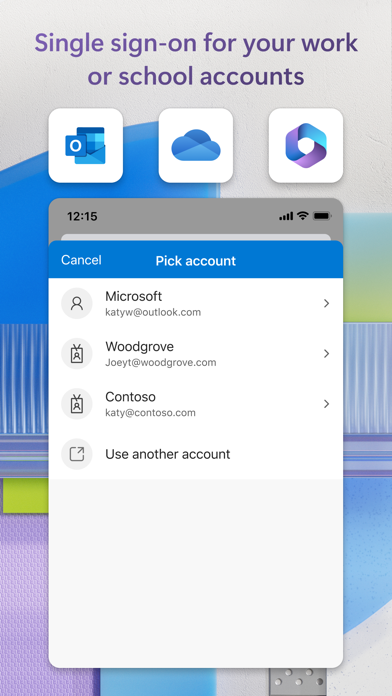
Use Microsoft Authenticator for easy, secure sign-ins for all your online accounts using multi-factor authentication, passwordless, or password autofill. You also have additional account management options for your Microsoft personal, work or school accounts.
Microsoft Authenticator is a security, VPN and app lock app by Microsoft Corporation for iPhone. It needs iOS 17.0 or later.
Who it fits: People who want a free-to-download security, VPN and app lock app for iPhone and have iOS 17 or later. At 241 MB it is larger than the typical security, VPN and app lock app for iPhone (160 MB).
Price and purchases
Microsoft Authenticator is free to download from the App Store.
Price from the App Store, checked 12 Nov 2026. Prices and purchases change; check the App Store before you buy.
Facts
- Price
- Free
- Requires
- IOS 17.0 or later
- Version
- 6.8.58
- Last updated
- 11 Nov 2026
- Size
- 241 MB
- Age rating
- 4+
- First released
- 30 May 2015
- App Store category
- Productivity
- Also listed in
- Utilities
- Rating count
- 99,504 ratings on the App Store
From the App Store listing, checked .
What's new in version 6.8.58
We're always working on new features, bug fixes, and performance improvements. Make sure you stay updated with the latest version for the best authentication experience.
From the developer's App Store release notes.
Alternatives to Microsoft Authenticator
Other security, VPN and app lock apps for iPhone, by App Store chart ranking.


Questions
Is Microsoft Authenticator free?
Microsoft Authenticator is free to download from the App Store. Our App Store data does not show whether it also sells in-app purchases or a subscription, so check the listing if you need it to be free to use.
Does Microsoft Authenticator work on iPhone?
Yes. Microsoft Authenticator is on the App Store for iPhone and needs iOS 17 or later. There is no Mac version on the App Store.
What are alternatives to Microsoft Authenticator?
Similar security, VPN and app lock apps for iPhone include Shadowrocket ($2.99), Google Authenticator (free) and Surfshark VPN (free).
Shadowrocket · Google Authenticator · Surfshark VPN · All security, VPN and app lock apps for iPhone
Details
- Developer
- Microsoft Corporation ↗
- Category
- Security, VPN and app lock
- Website
- microsoft.com


