

Mac utilities and customization Battery and system monitor app for Mac
MiniUsage
by sekn
- Price
- Free
- Platforms
- Mac
- Requires
- macOS 10.6+
- Updated
- 17 Feb 2012

Overview
From the developer's App Store description:
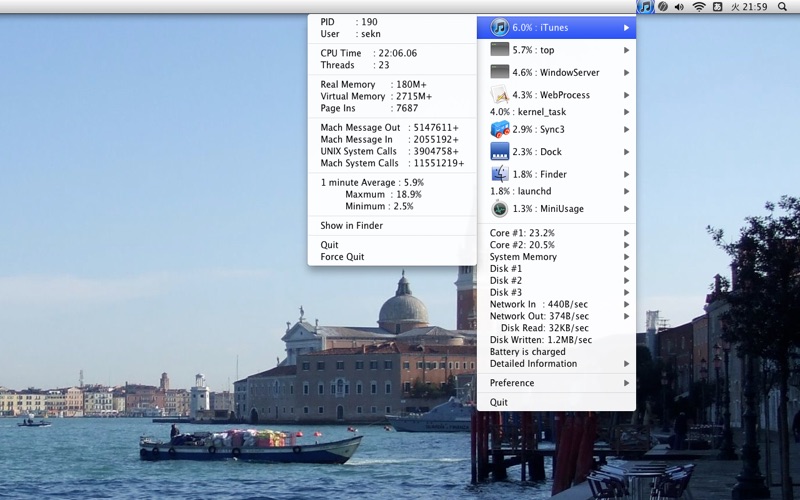
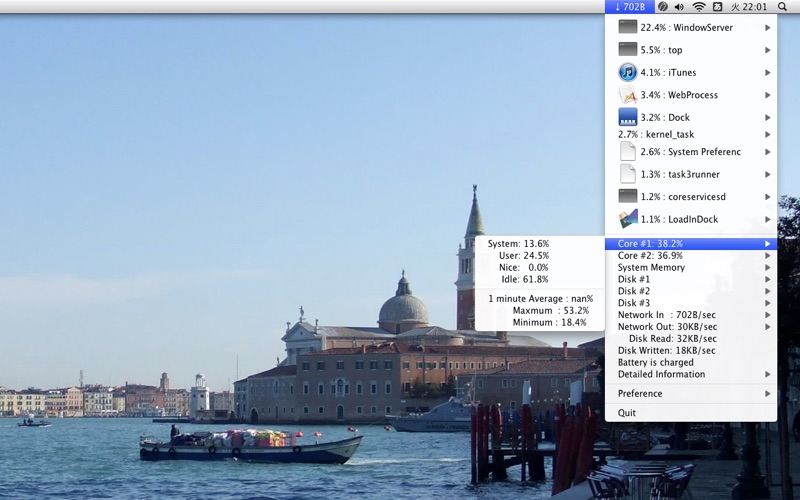
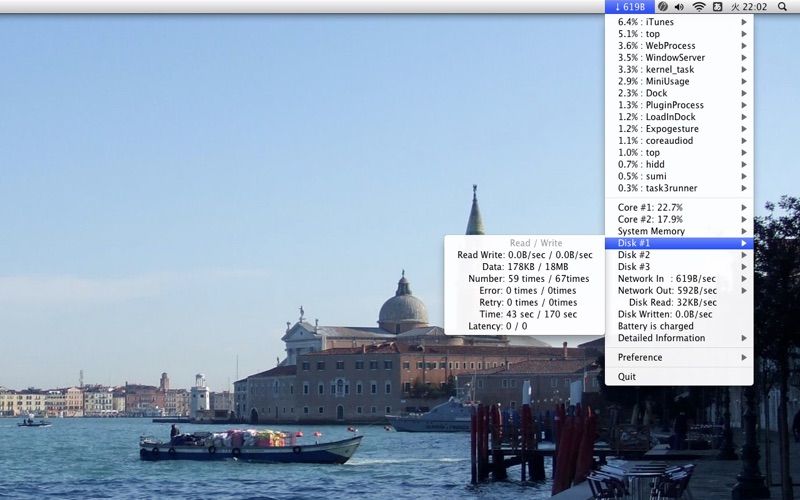
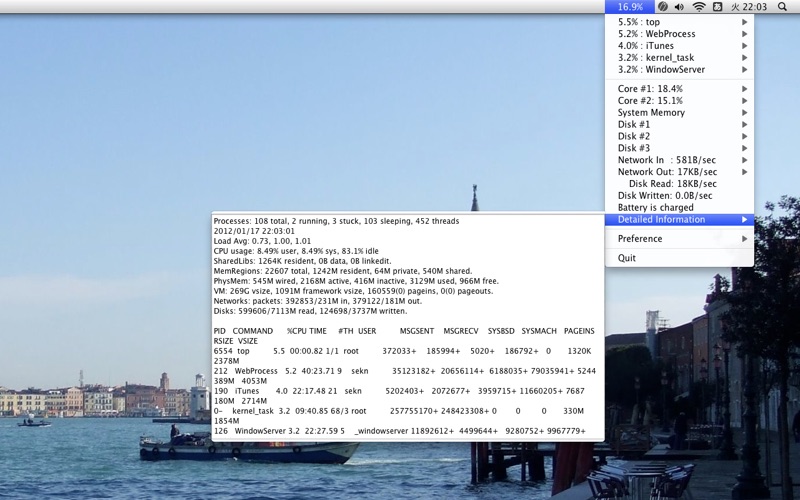
MiniUsage displays various data like CPU usage, amount of network flow, battery status and process names which uses much CPU time in a menubar. It takes little space and can display various data, so it's suitable for notebook. While the application is running, this information can be referred via AppleScript. If you like this software, I'd like to ask to make small donation to help effort for the Japan earthquake and tsunami disaster.
MiniUsage is a battery and system monitor app by sekn for Mac. It needs macOS 10.6 or later.
Heads up: MiniUsage has not had an App Store update since 17 Feb 2012. Apps that go this long without updates may not work well on the latest macOS or iOS.
Price and purchases
MiniUsage is free to download from the App Store.
Price from the App Store, checked 12 Nov 2026. Prices and purchases change; check the App Store before you buy.
Facts
- Price
- Free
- Requires
- MacOS 10.6 or later
- Version
- 1.5.0
- Last updated
- 17 Feb 2012
- Size
- 1 MB
- Age rating
- 4+
- First released
- 5 Feb 2011
- App Store category
- Utilities
- Also listed in
- Productivity
From the App Store listing, checked .
What's new in version 1.5.0
Added function to display multiple data on menubar.
From the developer's App Store release notes.
Alternatives to MiniUsage
Other battery and system monitor apps for Mac, by App Store chart ranking.


Details
- Developer
- sekn ↗
- Category
- Battery and system monitor

