Learning, social and lifestyle Weather app for Mac
Moon Phase Gadget
by Sergey Vdovenko
- Price
- $0.99
- Platforms
- Mac
- Requires
- macOS 26.0+
- Updated
- 6 Oct 2026
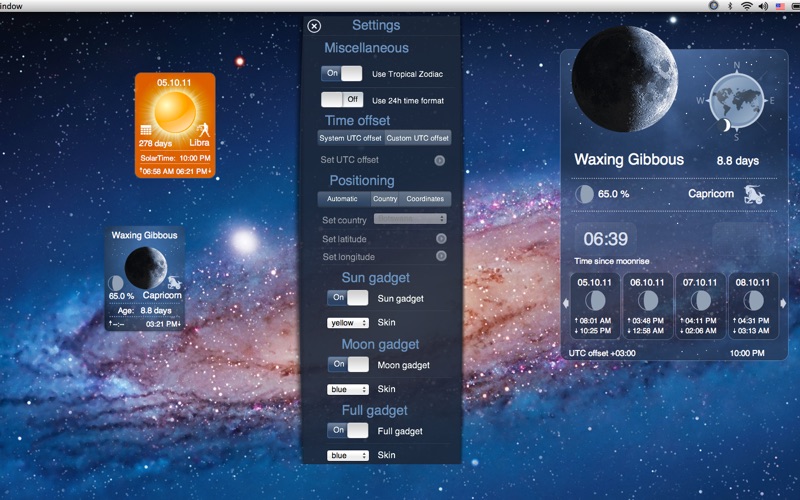
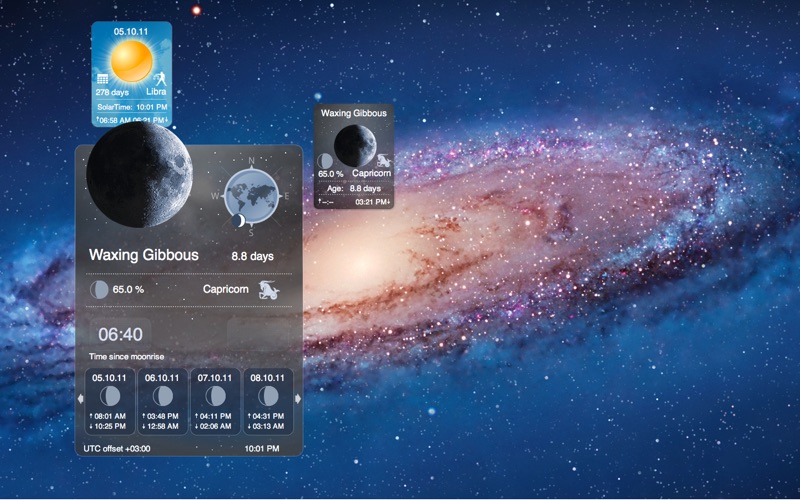

Overview
From the developer's App Store description:
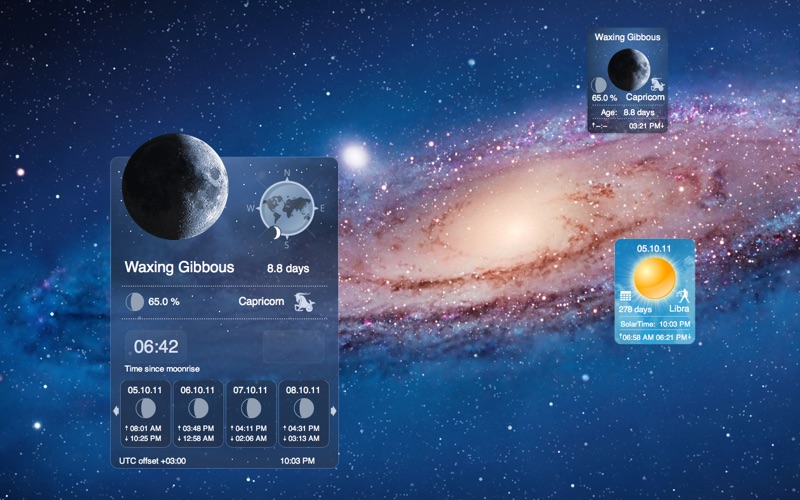
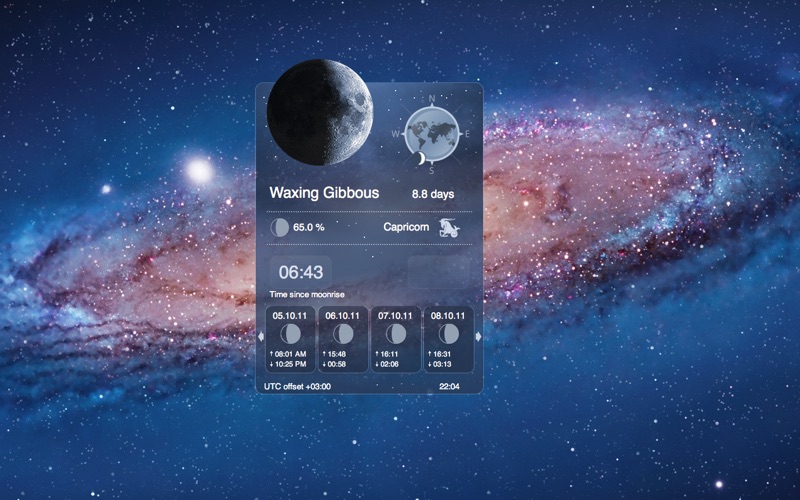
Moon Phase Gadget is a set of stylish Moon and Sun gadgets for your desktop. Moon Phase Gadget is a great addition to the magnificent Deluxe Moon HD application.
Moon Phase Gadget is a weather app by Sergey Vdovenko for Mac. It needs macOS 26.0 or later.
Price and purchases
Moon Phase Gadget costs $0.99 on the App Store.
Price from the App Store, checked 12 Nov 2026. Prices and purchases change; check the App Store before you buy.
Facts
- Price
- $0.99
- Requires
- MacOS 26.0 or later
- Version
- 1.5
- Last updated
- 6 Oct 2026
- Size
- 23 MB
- Age rating
- 4+
- First released
- 13 Oct 2011
- App Store category
- Weather
- Also listed in
- Education
From the App Store listing, checked .
What's new in version 1.5
Moon Phase Gadget brings a major update with modern macOS support, improved location settings, and a more convenient way to explore Moon and Sun information. • Redesigned Settings Manage all your preferences in one standard macOS window. Preview and customize your gadgets, including their appearance, size, and desktop behavior. • Flexible Location Selection Search for places, choose a location on the map, use your current location, or enter coordinates manually. Decimal degrees and degrees/minutes/seconds are supported. • Automatic Local Time Time zones and UTC offsets are calculated from your selected location, including daylight-saving adjustments. • Improved Moon Phase Display Daily Moon icons reflect each day’s illumination. The menu bar icon follows the calculated Moon phase and adjusts for your location’s hemisphere. • Copy Moon & Sun Details Right-click to copy an individual value, a complete row, or all displayed information—including upcoming Moon phases. The original transparent gadget design, Moon imagery, and app icon remain part of the experience.
From the developer's App Store release notes.
Alternatives to Moon Phase Gadget
Other weather apps for Mac, by App Store chart ranking.
 Weather Widget LiveFree, same category, 212 MB larger
 Living Weather & Wallpapers HDFree, same category, 551 MB larger
 Weather DockFree, same category, 218 MB larger
 WeatherlyFree, same category, 2.5 MB larger
 ClassicWeatherFree, same category, 7.0 MB smaller
 PredictWind Offshore WeatherFree, same category, 372 MB larger
Details
- Developer
- Sergey Vdovenko ↗
- Category
- Weather
- Website
- lifewaresolutions.com