

Creative Photo editing app for Mac
PhotoMate Clean
by Tran Cong Minh
- Price
- Free
- Platforms
- Mac
- Requires
- macOS 13.5+
- Updated
- 1 Jun 2026
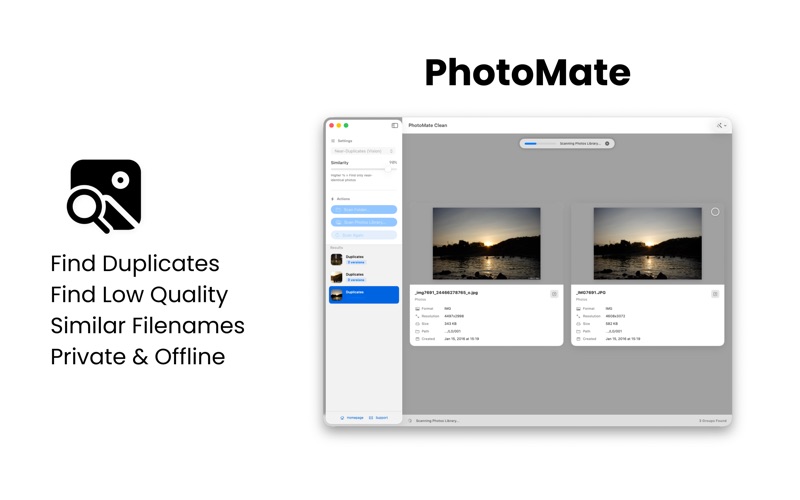
Overview
From the developer's App Store description:
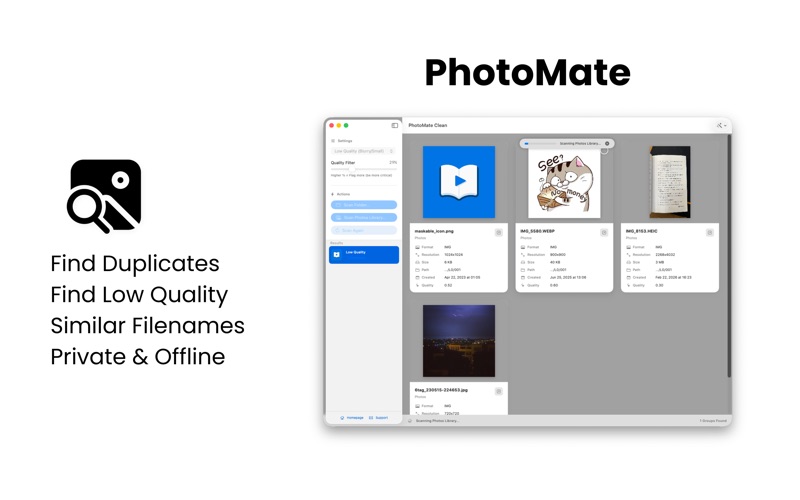
Reclaim your storage and organize your memories with PhotoMate Clean. Is your Mac or Photos Library cluttered with thousands of identical shots, edited copies, or blurry photos? PhotoMate Clean is a professional, privacy-first utility designed to help you find and safely remove unwanted images entirely offline. Using advanced Vision AI and secure file hashing, PhotoMate Clean identifies duplicates that other apps miss - even if they’ve been resized, compressed, or edited.
PhotoMate Clean is a photo editing app by Tran Cong Minh for Mac. It needs macOS 13.5 or later.
Price and purchases
PhotoMate Clean is free to download from the App Store.
Price from the App Store, checked 12 Nov 2026. Prices and purchases change; check the App Store before you buy.
Facts
- Price
- Free
- Requires
- MacOS 13.5 or later
- Version
- 1.1
- Last updated
- 1 Jun 2026
- Size
- 1 MB
- Age rating
- 4+
- First released
- 24 Mar 2026
- App Store category
- Utilities
- Also listed in
- Photo & Video
From the App Store listing, checked .
What's new in version 1.1
Improved Duplicate Detection - Visual Fingerprinting: We've implemented a new Difference Hashing (dHash) algorithm. PhotoMate now creates a unique visual signature for every photo, allowing it to detect identical-looking images even if they have different filenames, metadata, or formats. - Enhanced Precision: The "Near-Duplicates" mode is now smarter. At high similarity settings, the app uses double-verification (Vision + dHash) to ensure that only truly identical photos are grouped, preventing "false positives" like two different photos of the same subject. - Smarter Defaults: We've tuned the default visual similarity to 90%, providing a better balance of speed and accuracy right out of the box. New Features - Similar Filenames Mode: A brand-new scan mode! Easily find related shots or different versions of the same file by matching a specific number of leading characters in the filename. Perfect for organizing bursts or edited exports. - Refined UI Controls: - The similarity slider has been reversed to be more intuitive: 100% (High Similarity) is now on the right. - The new "Min Characters" slider for filename matches shows the exact count instead of a percentage. …
From the developer's App Store release notes.
Alternatives to PhotoMate Clean
Other photo editing apps for Mac, by App Store chart ranking.


Details
- Developer
- Tran Cong Minh ↗
- Category
- Photo editing, Uninstaller and cleaner
- Website
- photomate.homielab.com
