
Mac utilities and customization Utility app for Mac
Silent Start
by Tunabelly Software Inc.
- Price
- Free
- Platforms
- Mac
- Requires
- macOS 10.9+
- Updated
- 10 Jan 2019

Overview
From the developer's App Store description:
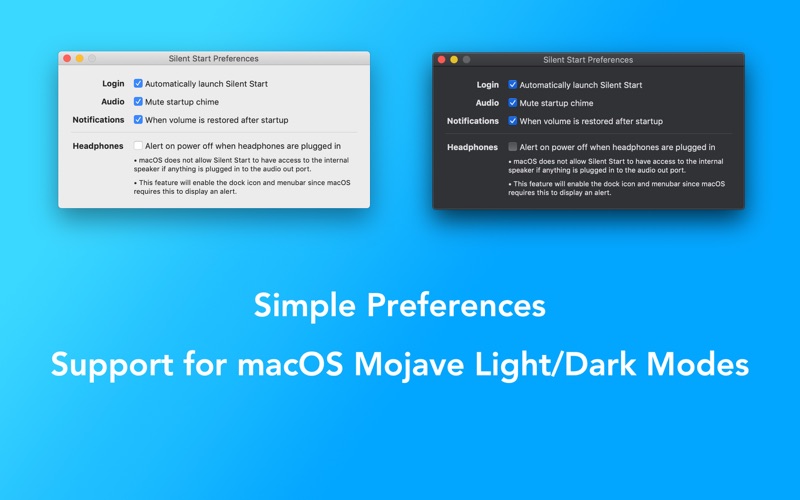
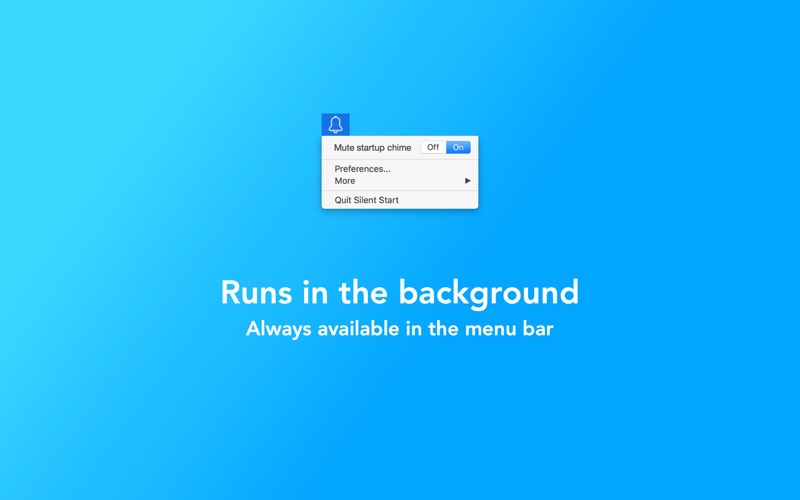
Ever had to restart your Mac and you (or someone else) has been annoyed by the startup chime? If so, get Silent Start for free today. It's able to silent the chime and then restore the volume back to normal after it starts up. The only exception is if headphones are plugged in, and in that case macOS doesn't allow Silent Start (or any other app) access to the internal speakers.
Silent Start is a utility app by Tunabelly Software Inc. for Mac. It needs macOS 10.9 or later.
Heads up: Silent Start has not had an App Store update since 10 Jan 2019. Apps that go this long without updates may not work well on the latest macOS or iOS.
Price and purchases
Silent Start is free to download from the App Store.
Price from the App Store, checked 12 Nov 2026. Prices and purchases change; check the App Store before you buy.
Facts
- Price
- Free
- Requires
- MacOS 10.9 or later
- Version
- 1.1.9
- Last updated
- 10 Jan 2019
- Size
- 6 MB
- Age rating
- 4+
- First released
- 3 Sept 2014
- App Store category
- Utilities
- Also listed in
- Productivity
From the App Store listing, checked .
What's new in version 1.1.9
[New] Even better restart, shutdown and logout detection for muting the startup chime. [Fixed] Issue where it was not possible to quit from the dock icon. [Fixed] Issue where the app could have delayed a restart. [Improved] Headphone detection feature is now more reliable.
From the developer's App Store release notes.
Alternatives to Silent Start
Other utility apps for Mac, by App Store chart ranking.
 TailscaleFree, same category, 15 MB larger
 Apple ConfiguratorFree, same category, 40 MB larger
 WireGuardFree, same category, 2.8 MB smaller
 MacDroidFree, same category, 15 MB larger
 CrystalFetch ISO DownloaderFree, same category, 2.1 MB smaller
 Microsoft Bing for SafariFree, same category, 2.2 MB smaller
Details
- Developer
- Tunabelly Software Inc. ↗
- Category
- Utility
- Website
- tunabellysoftware.com