

Mac utilities and customization Utility app for Mac
unDock Lite
by Thomas Metge
- Price
- Free
- Platforms
- Mac
- Requires
- macOS 10.6+
- Updated
- 19 Dec 2013

Overview
From the developer's App Store description:
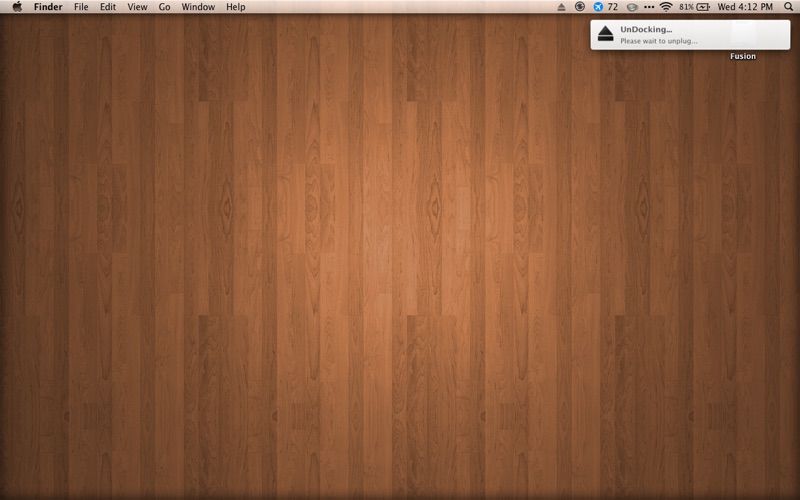
"unDock Supercharges Your Mac's Disk-Ejecting Functionality" - Lifehacker. Time machine is wonderful, but it makes a mobile Mac user cry- waiting for a backup to finish or cancel before we rush to a meeting makes life difficult. unDock adds a simple but critical piece of functionality to your Mac- an "Eject All" shortcut with super powers. When you're ready to go, use either the keyboard shortcut (default: Control-Option-Command-Space) or the menu bar icon to unDock.
unDock Lite is a utility app by Thomas Metge for Mac. It needs macOS 10.6 or later.
Heads up: unDock Lite has not had an App Store update since 19 Dec 2013. Apps that go this long without updates may not work well on the latest macOS or iOS.
Price and purchases
unDock Lite is free to download from the App Store.
Price from the App Store, checked 12 Nov 2026. Prices and purchases change; check the App Store before you buy.
Facts
- Price
- Free
- Requires
- MacOS 10.6 or later
- Version
- 2.1
- Last updated
- 19 Dec 2013
- Size
- 1 MB
- Age rating
- 4+
- First released
- 20 Jan 2011
- App Store category
- Utilities
- Also listed in
- Productivity
From the App Store listing, checked .
What's new in version 2.1
Several bug fixes, including the ability to unset the keyboard combination, properly ejecting CD/DVD drives, and more.
From the developer's App Store release notes.
Alternatives to unDock Lite
Other utility apps for Mac, by App Store chart ranking.




Details
- Developer
- Thomas Metge ↗
- Category
- Utility
- Website
- flyingpapersoftware.com